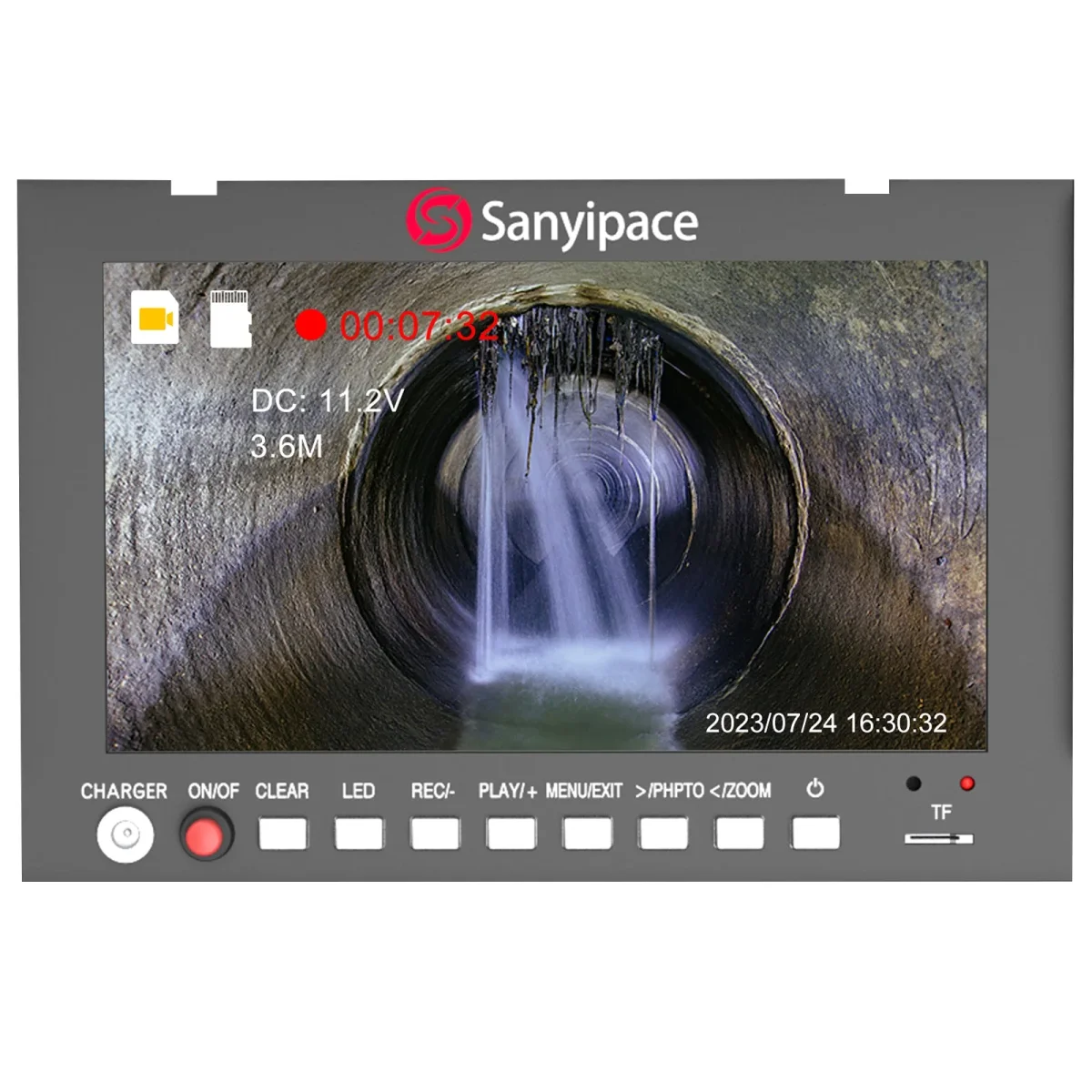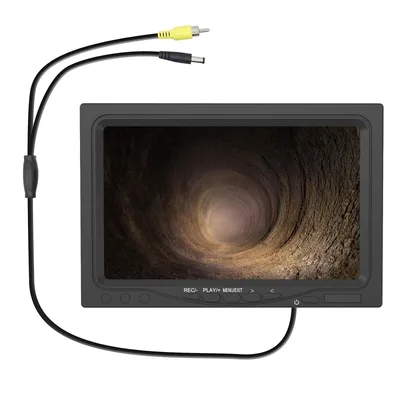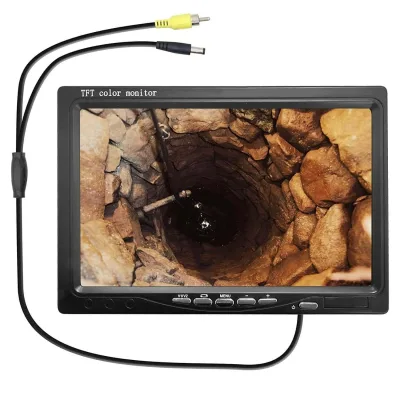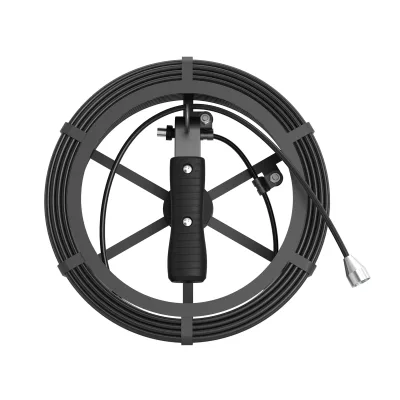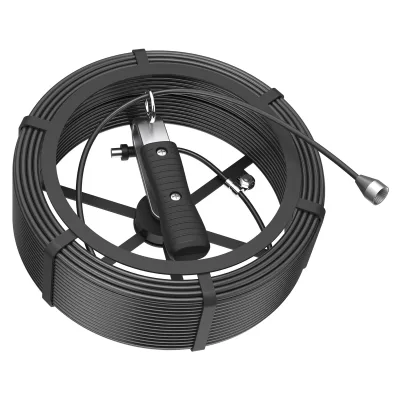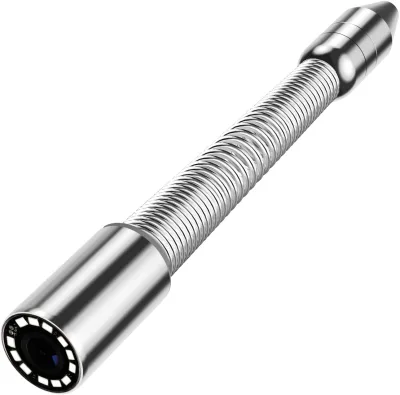
Sanyipace S8958mrt Screen
Display Operation Battery Charger: When the display shows that the power is lower than 9V or the Low Battery indicator light flashes, please recharge the device. Battery OFF/ON Switch: Battery on/off switch (Note: please turn off the switch when not in use). Connect the camera
- Direct OEM replacement for Sanyipace part #S8958MRT
- Camera Parts component - verify application in manual
- Catalog pricing from $229.99 with 1 offers
- Drop-in fit - match S8958MRT on old unit or manual
In Stock — Ready to ShipSale −20%$146.50List $183.50Save $37.00Same-day shipping on orders before 2 PM ET
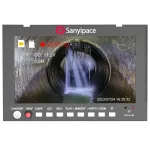
Sanyipace S8958mrt Screen
$146.50$183.50In stock
In Stock · Ready to Dispatch
Orders before 2:00 PM EST ship same business day.
Exact MPN Verified Fitment
Guaranteed compatibility or 30-day hassle-free return.
Commercial Freight & Express Available
Free standard shipping on orders over $300.