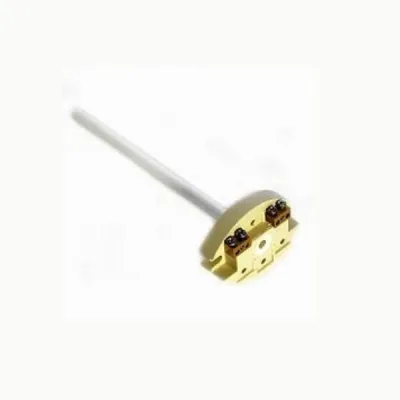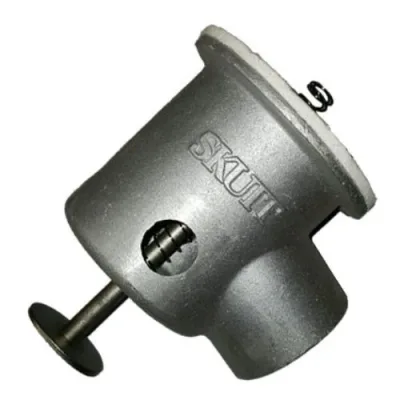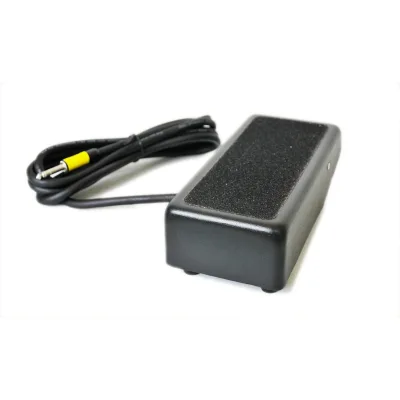
Skutt Kiln EnviroLink For Connecting the EnviroVent to the Kiln Controller
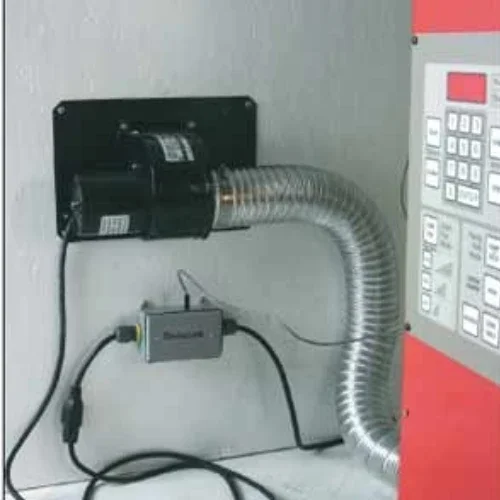
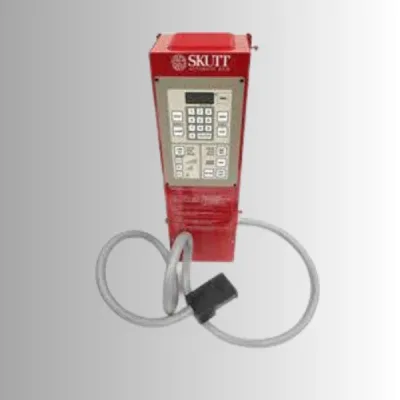
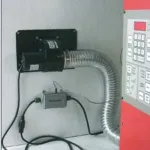
The Skutt EnviroLink For use on Skutt Automatic Kilns and kilns with KilnMaster Wall Mount Controllers. This connects your vent system to your kiln controller allowing you to program your vent to follow your kiln firing program. There are 2 different Envirolinks available
- Fits Skutt Kiln EnviroLink For Connecting the EnviroVent to the Kiln - match model before ordering
- New condition part from Skutt
- Listed in kiln accessories and furniture catalog section
- From $210.00 with 1 offer(s), 1 image(s) available
In Stock — Ready to ShipSale −20%$135.79List $168.79Save $33.00Same-day shipping on orders before 2 PM ET
Skutt Kiln EnviroLink For Connecting the EnviroVent to the Kiln Controller
$135.79$168.79In stock
In Stock · Ready to Dispatch
Orders before 2:00 PM EST ship same business day.
Exact MPN Verified Fitment
Guaranteed compatibility or 30-day hassle-free return.
Commercial Freight & Express Available
Free standard shipping on orders over $300.