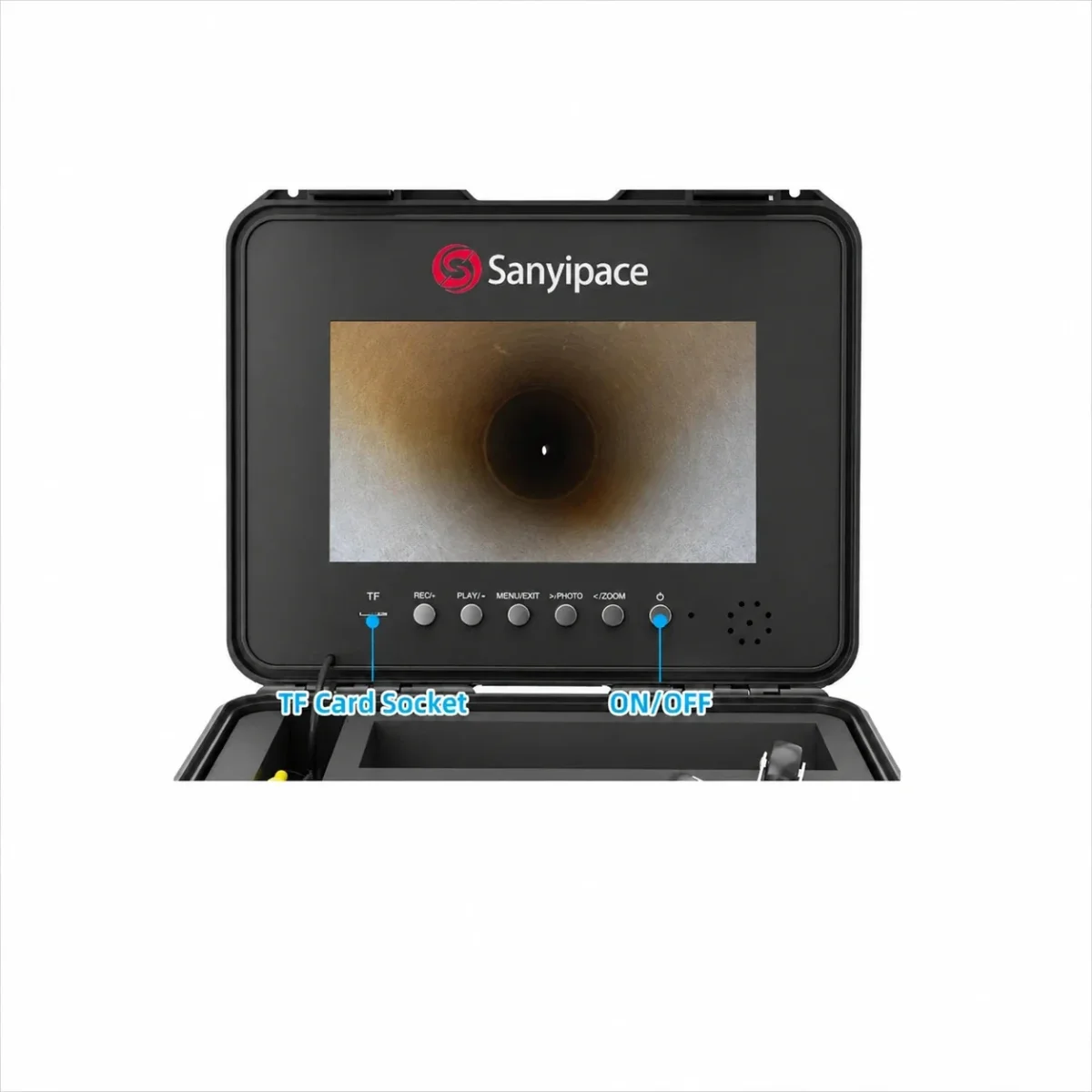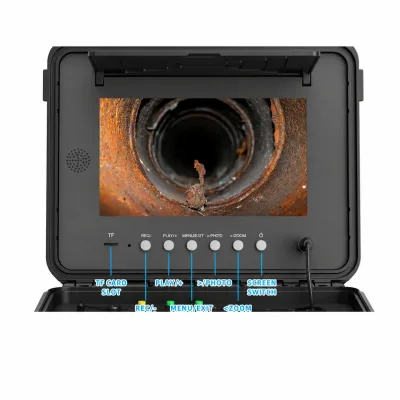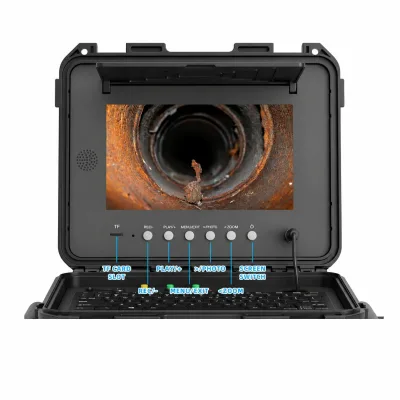
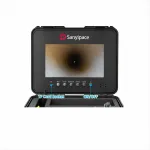
Sanyipace S840dstm Screen
Display Operation : - Turn On: Connect all the cables of the device, turn on the battery switchbuttonandpress the power button on the screen, and the systemstarts. - Menu Settings (need to exit REC mode): Press the "MENU/EXIT" key to enter the menu settings. Press "<" ">" to
- Fits SANYIPACE S840DSTM Screen - match model before ordering
- New condition part from Sanyipace
- Listed in generators and power systems catalog section
- From $229.99 with 1 offer(s), 2 image(s) available
In Stock — Ready to ShipSale −20%$147.95List $183.95Save $36.00Same-day shipping on orders before 2 PM ET
Sanyipace S840dstm Screen
$147.95$183.95In stock
In Stock · Ready to Dispatch
Orders before 2:00 PM EST ship same business day.
Exact MPN Verified Fitment
Guaranteed compatibility or 30-day hassle-free return.
Commercial Freight & Express Available
Free standard shipping on orders over $300.